
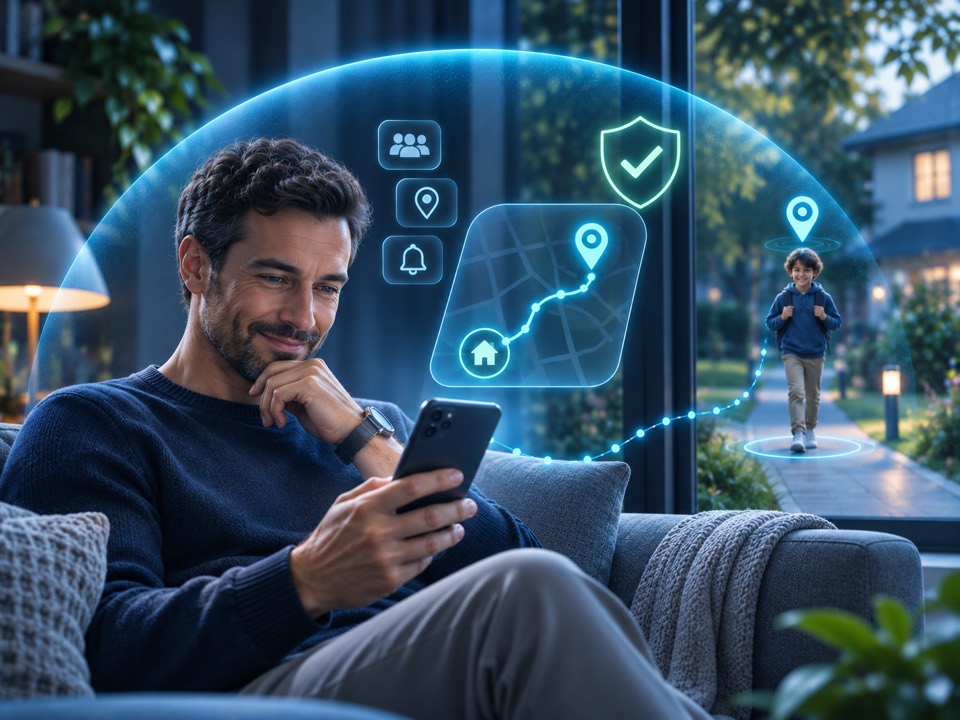
Location & Safety
Stay connected to your children's whereabouts, follow their daily journeys and enjoy greater peace of mind.
Explore Location SafetyHelp your children navigate the digital world safely. Stay informed about their location, encourage healthy screen habits and support them when it matters most.
Built around trust and transparency. No installation needed for the demo. Install AllTracker Family only on your own child's device, and talk with them about it.
Stay connected, encourage healthy digital habits and help your children explore the online world safely.
Stay connected to your children's whereabouts, follow their daily journeys and enjoy greater peace of mind.
Explore Location Safety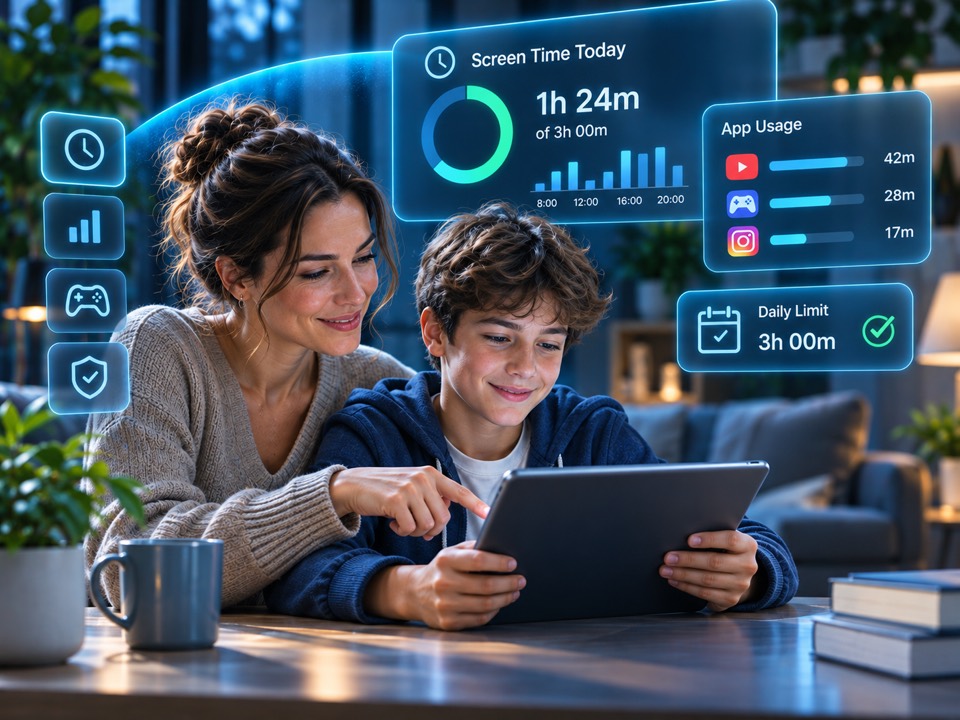
Encourage balanced screen time, understand app usage and set healthy digital boundaries for your children.
Explore Digital Wellbeing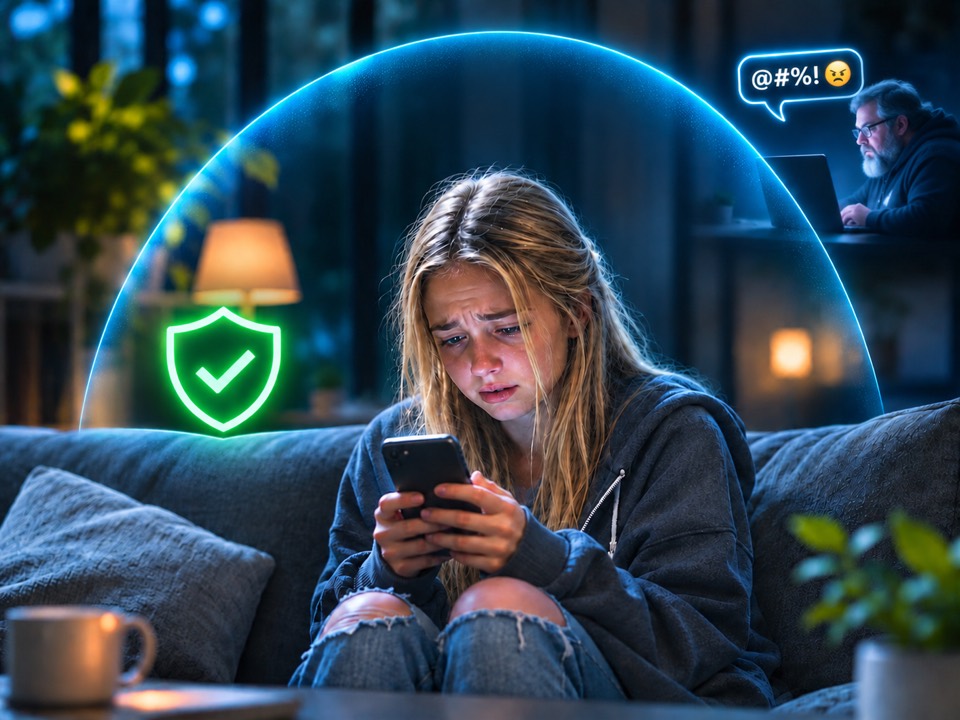
Recognize potential online risks, stay informed and support your children when they face digital challenges.
Explore Online Safety
Turn a spare smartphone into a remote video monitor for your home, pets or other authorized spaces.
Explore Video Surveillance
Additional tools for transparent, age-appropriate parental oversight of digital activity.
Explore Communication MonitoringInstall AllTracker Family only on your own child's device. Tell your child about it in a way that suits their age and agree on the rules together – children have a right to privacy, too.
Location, screen time, online activity and alerts – organized into six capability groups.
Check in through the camera, microphone or screen when you need to – for example when your child doesn't answer.
Know where your child is, follow the way to school and see the day's activity.
Messages, browsing and typed text – to notice risks early.
See how apps are used and set healthy limits together.
Photos, videos and recordings on your child's device – including deleted ones.
Get notified in the web dashboard and in the Control Center app when something needs your attention.
Availability depends on the subscription level, Android version and device. Every feature of AllTracker Family and its requirements are listed in the catalog.
Browse the full feature catalogResponsible parental monitoring starts with open communication, clear boundaries and secure technology. What we store and how it travels – in short.
A new key for every session – encrypted all the way.
Every session gets a new key. The servers your data passes through only see encrypted content.
During an active session, files go straight from the device to your browser – encrypted and never stored on our servers.
Photos, recordings and files never land on our servers: unlock photos stay on the device, and you save live recordings straight to your own device. We only store event notifications – with a preview image for keyword hits – for up to 30 days.
AllTracker Family is visible on your child's device, and its permissions are granted there. Tell your child about it in a way that suits their age and agree on rules together.
Your data stays on the monitored device and only reaches you when you view or download it yourself. You can delete stored event notifications permanently at any time, with immediate effect. You can delete your account at any time: your login, profile and all connected data are removed within a few hours.
See where your child's phone is and review the day's routes – on foot, by bus or by bike – with every stop on the map. With Health Connect, steps, heart rate and sleep are added.
Install AllTracker Family on your child's phone. Follow everything in the Control Center app on your own phone or in the web dashboard.

Access monitoring data, manage your account and subscriptions, and control every connected module.
All device data and live features right in your browser, nothing to install. The modules can only be viewed in Control Center for now.
 Family
Location, screen time and alerts for your child's Android phone or tablet.
alltracker-family.com Business
Authorized monitoring of company devices, with edition-specific restrictions.
alltracker-business.com Own devices · Max features
The full feature set, including advanced remote access and anti-theft – exclusively for your own devices.
About AllTracker XModuleTurns an Android phone or iPhone into a remote video and audio monitoring endpoint.
About Video SurveillanceModuleFocused on digital activity: notifications, browser history, text input and app information.
About CommunicationSign up or sign in to AllTracker.
Install it on your child's Android device and grant the permissions there – ideally together with your child.
Follow everything in the Control Center app or the web dashboard.
Your plan is three independent choices: which app, which capability level, and how many devices.
You can also try PRO and ULTIMATE for a limited time. No credit card required.
All free featuresEverything free plus location history and live tracking, photos, notifications, and live streaming of camera, microphone and screen.
Get StartedEverything in PRO plus keylogger, browser history, auto screenshots, events and the content filter.
Get StartedIn most countries parents may supervise the device of their minor child. Older children have a growing right to privacy, so the more you explain and agree on together, the better. Laws differ by country; if you are unsure, ask a local legal advisor before installing.
Stay connected to what matters most. Explore AllTracker Family and discover the tools to support your children in their digital everyday life.